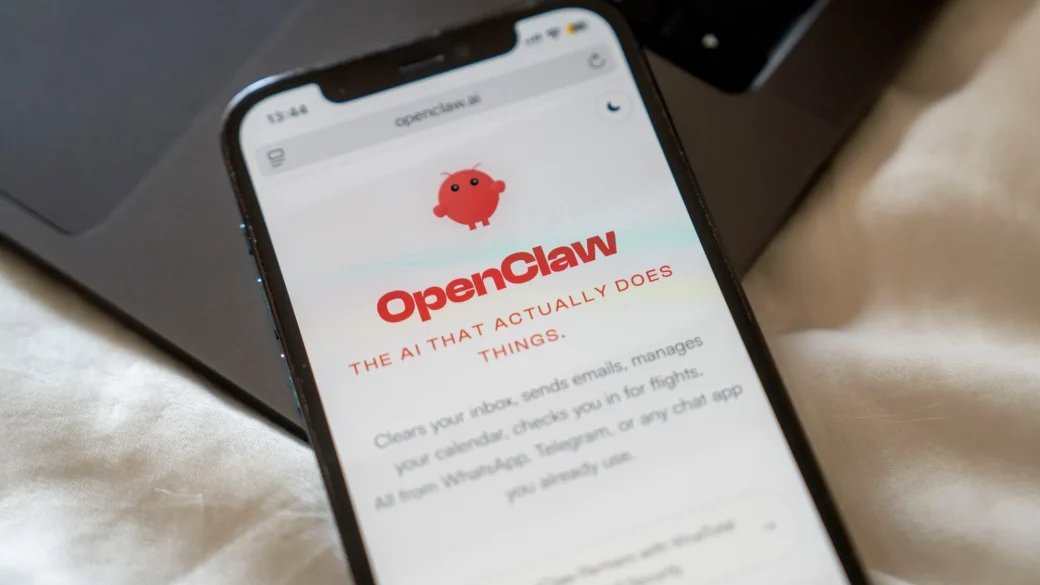
The open-source agentic AI movement has crossed into the mobile mainstream. The OpenClaw Foundation has officially released standalone OpenClaw mobile apps for both iOS and Android devices.
The rollout transitions the viral, 24/7 personal AI agent (affectionately dubbed “Molty” by its community of over 68,000 GitHub stars) out of desktop terminal environments and native chat relays, giving users a direct, on-device gateway to orchestrate autonomous workflows from their pockets.
1. Navigating Apple’s “Vibe Coding” Security Wall
The release marks a historic compromise with mobile app store gatekeepers. Historically, Apple and Google heavily resisted listing autonomous agents due to strict guidelines against tools that can run remote code execution, alter system parameters, or dynamically browse the web unsupervised.
Before this native release, iOS and Android users were forced to chat with their self-hosted OpenClaw daemons using third-party webhooks on Telegram, Signal, or WhatsApp.
By restructuring OpenClaw into a sandboxed, permission-gated architecture, the new mobile applications natively bridge smartphone capabilities straight to the agent loop.
 [ Traditional OpenClaw Loop ] ──► Systemd/LaunchAgent Daemon ──► Hooked via Telegram/WhatsApp APIs
                                                                             │
                                                                             ▼ (The Mobile Native Shift)
 [ Native OpenClaw App Tiers ] ──► Direct UI + Sandboxed Mobile Runtime ──► Local Permission Prompts
                                                                             │
                                                                             ▼
 [ Mobile Execution Core     ] ──► Agent gains approved, local access to Camera, Files, and Location
2. Real-World Capability Matrix: What the Mobile Apps Unlock
The mobile ecosystem shifts OpenClaw from a developer tool into a highly context-aware personal assistant. By granting the app native device permissions, the agent can execute complex mobile workflows:
| Mobile Platform Hook | On-Device Agentic Capabilities | Example Use Case |
| Camera & Photos | Real-time computer vision processing and metadata sorting. | “Look at this receipts folder, extract the totals, and format them into an expense log.” |
| Screen Perception | Periodic, sandboxed layout inspections (where OS safety frameworks allow). | “Watch my flight check-in screen and auto-fill my passport details when the window opens.” |
| System Calendar & Notes | Direct, low-latency syncing across local Apple Notes, Reminders, and Outlook databases. | “Listen to this voice memo I just recorded and schedule the three action items into my calendar.” |
| Location Services | Geofenced background polling and context-aware smart home execution. | “When I arrive within 500 meters of the office, draft and queue a Slack update for the team.” |
3. The OpenAI Connection & The “andClaw” Alternative
The infrastructure behind the release has raised eyebrows across the tech sector. OpenClaw—originally built under the name Warelay by Austrian developer Peter Steinberger—is now fully stewarded by the non-profit OpenClaw Foundation following Steinberger’s high-profile move to join OpenAI earlier this year. As part of that transition, OpenAI has committed to providing back-end support to the foundation to ensure the tool remains open-source.
For power users who prefer not to run their agents through cloud-hosted environments, the app store ecosystem now provides two distinct operational paths:
- The Official OpenClaw App: Acts primarily as a streamlined, high-performance client interface. It connects your smartphone via a secure proxy straight back to your always-on home Mac Mini, Raspberry Pi, or cloud server where your main database and API tokens reside.
- The “andClaw” Community Native App (Android): Built for the ultimate self-hosted purist. This alternative variant attempts to bundle the actual OpenClaw runtime gateway entirely on-device. By utilizing optimized local execution runtimes, it allows Android users with Arm64 processors to run small, local language models (via Ollama or custom local endpoints) completely offline, ensuring your private phone data never touches an external cloud provider.