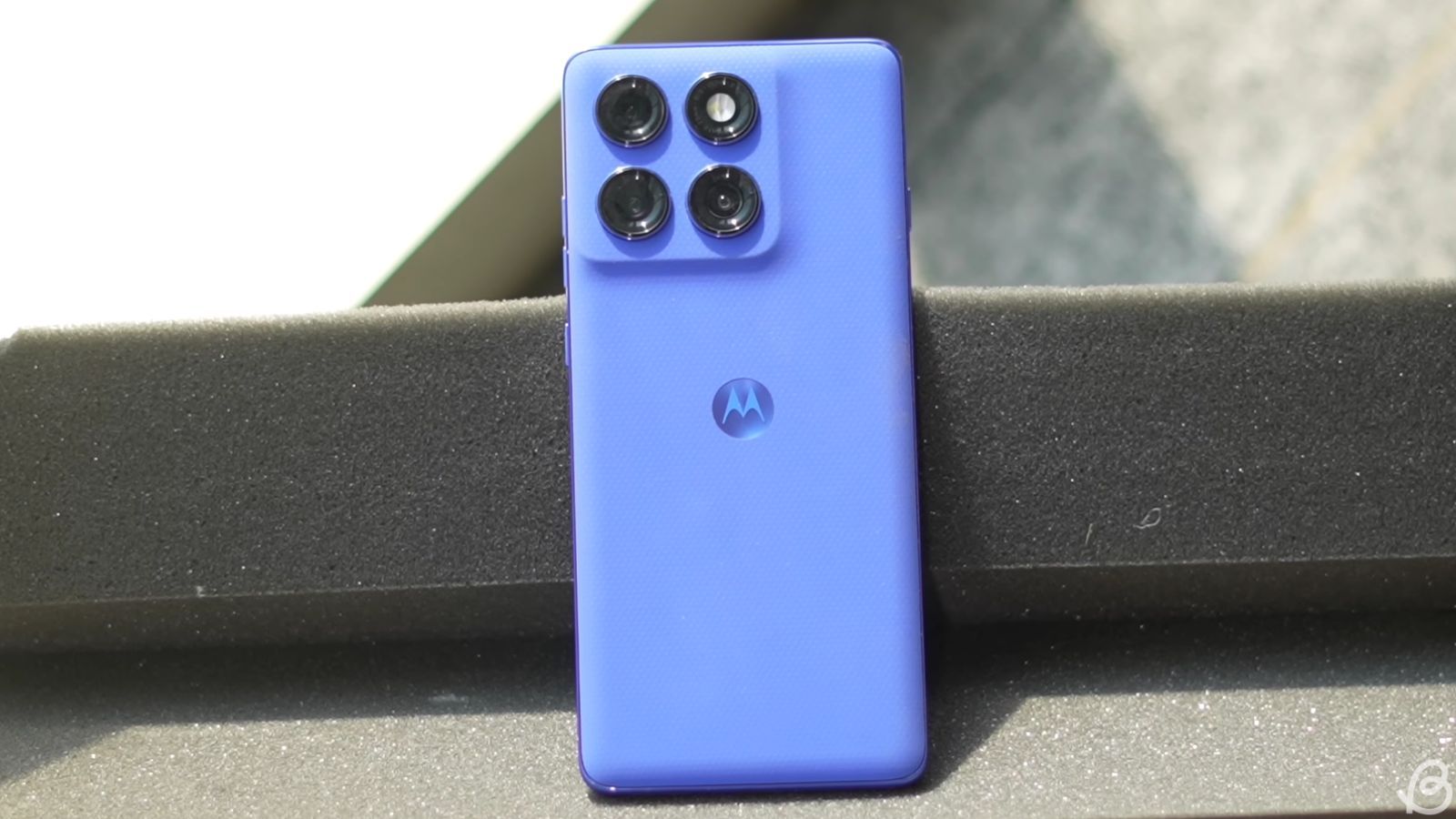
In a developing privacy and security controversy, owners of premium Motorola smartphones—including the flagship Razr 60 Ultra and the ultra-premium Razr Fold—have reported that their devices are actively hijacking intent signals meant for the official Amazon shopping app.
Independent investigations by cybersecurity analysts and technology outlets have traced the behavior back to a system-level background application preinstalled on Motorola devices, raising severe concerns over data tracking, unauthorized redirection, and ad fraud.
“Blink and You Miss It” App Interception
The issue was initially exposed by a tech-savvy user on Reddit (u/Trypocopris) who noticed a strange layout lag when trying to open the Amazon app. Using Android Debug Bridge (ADB) network logs to capture live system behavior, the user discovered a hidden redirect architecture.
When a user taps the Amazon shopping icon specifically from the device’s app drawer (rather than a home screen shortcut), the phone executes a quick, covert script:
- The system launcher intercepts the user’s request to launch the local Amazon app.
- It abruptly opens a background instance of the mobile web browser (such as Google Chrome).
- The browser rapidly pings an ad-serving URL before instantly bouncing the user back into the official Amazon application.
The entire loop happens in a fraction of a second—a “blink and you miss it” moment—but it alters the final URL destination within the Amazon app by injecting a specific affiliate tracking code.
The Culprit: Smart Feed App (v2.03.0070)
Network logs definitively link this behavioral hijacking to Motorola’s proprietary Smart Feed application—a preinstalled system package built into the stock launcher to display personalized news, games, and content.
The affiliate redirection has been confirmed on devices running the latest software variant, Smart Feed version 2.03.0070, which rolled out via a recent update. Devices utilizing older baselines (such as version 2.03.0056) do not exhibit the hijacking behavior.
Furthermore, data traffic sniffers caught the app connecting directly to devicenative.com, an on-device mobile ad platform natively partnered with Motorola, alongside an external domain named kira-abboud.com.
The Mystery of the Injected Code
The situation grows more unusual regarding the actual affiliate payout structure. The intermediate domain references a specific social media fashion influencer (@kirasfashionfinds). However, security researchers noted that the specific Amazon associate code injected by Motorola’s software (sramz-kff-008-20) doesn’t match any public links actually promoted on the influencer’s social media channels.
The tag has been reportedly linked to a third-party creator ad network known as SugarReach. Market analysts speculate that the phone’s software layout may have suffered a supply chain injection, or that a compromised third-party advertisement SDK integrated into Motorola’s software ecosystem is utilizing ad-fraud techniques to siphon off unearned e-commerce commissions from unsuspecting buyers.
How to Stop the Amazon Redirection
Because this ad-tracking behavior is entirely driven by a pre-loaded Motorola system package, users can immediately stop the hidden browser redirects by disabling the core software manually.
Steps to Disable Smart Feed:
- Open the device Settings menu.
- Navigate to Apps $\rightarrow$ See All Apps.
- Use the search bar to locate Smart Feed.
- Tap the application profile and select Disable.
Disabling the Smart Feed feature cuts off background network access to the ad servers and immediately restores normal, direct launching functionality for the Amazon app from the app drawer. Motorola has been contacted for official clarification on whether the affiliate code injection was an intentional monetization strategy or the result of a rogue software component.
Get the day’s top stories in your inbox
One concise email. No spam, unsubscribe anytime.